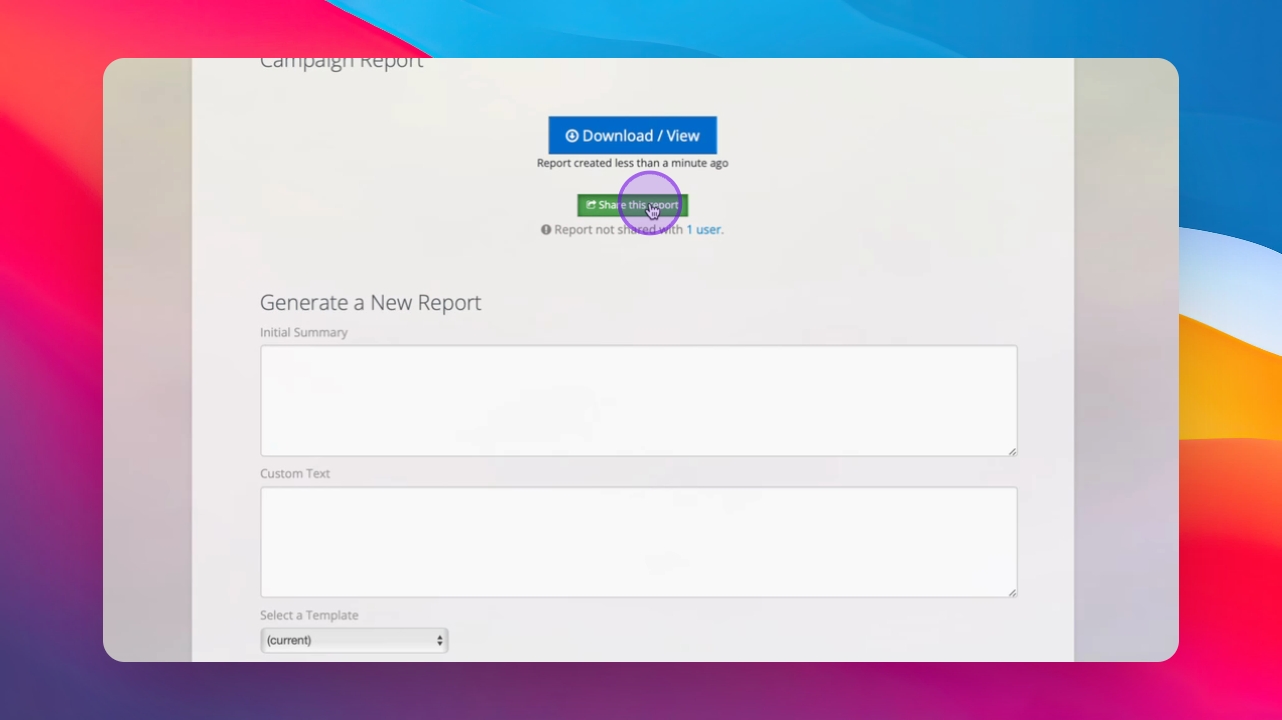
Let's do it together!
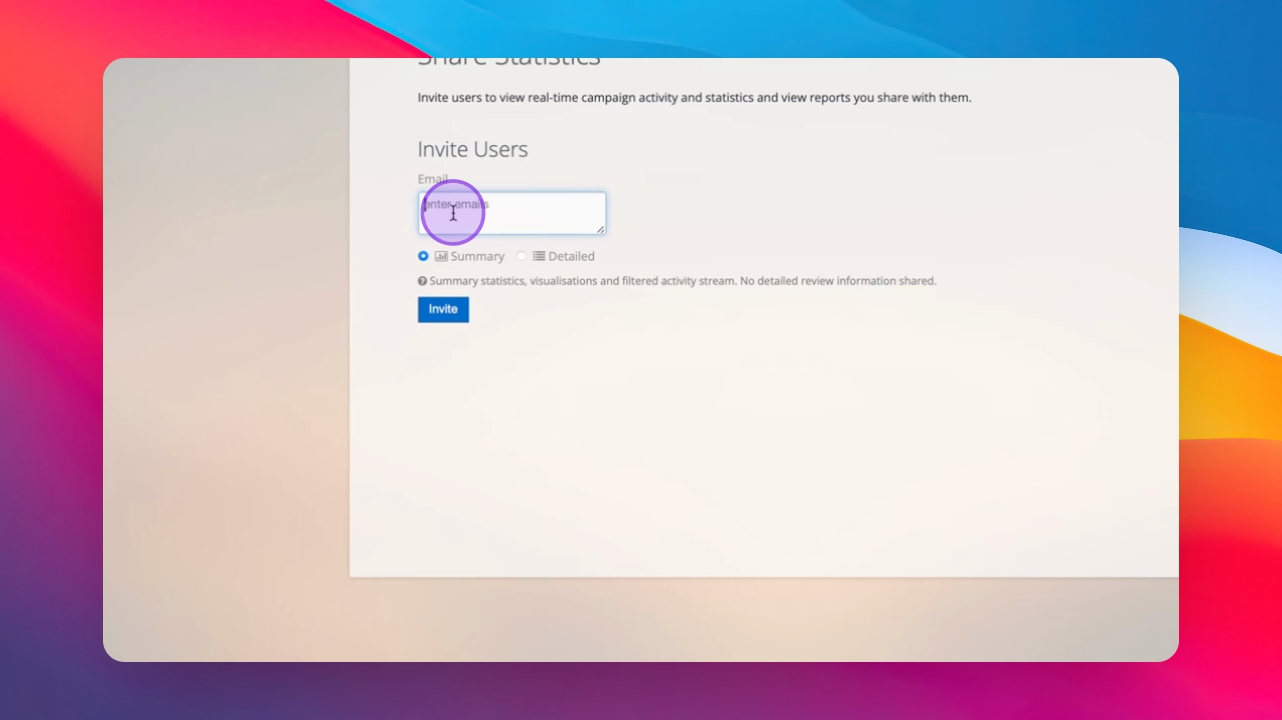
Step 1: Enter email
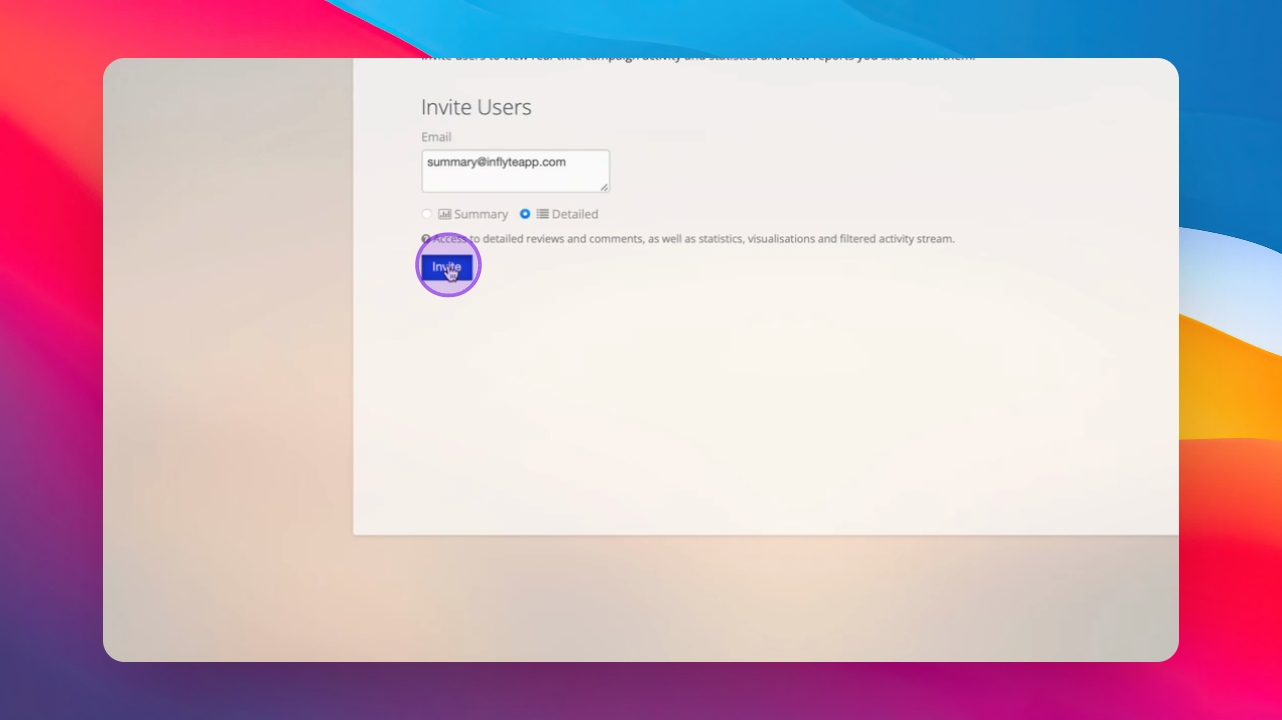
Input the email address of the person (eg artist, artist manager, PR team) you wish to share Campaign Activity with in the box.
Step 2: Choose stats type
Select between Summary or Detailed Stats for the shared information. Detailed shows them all activity and is the recommended option in most cases.
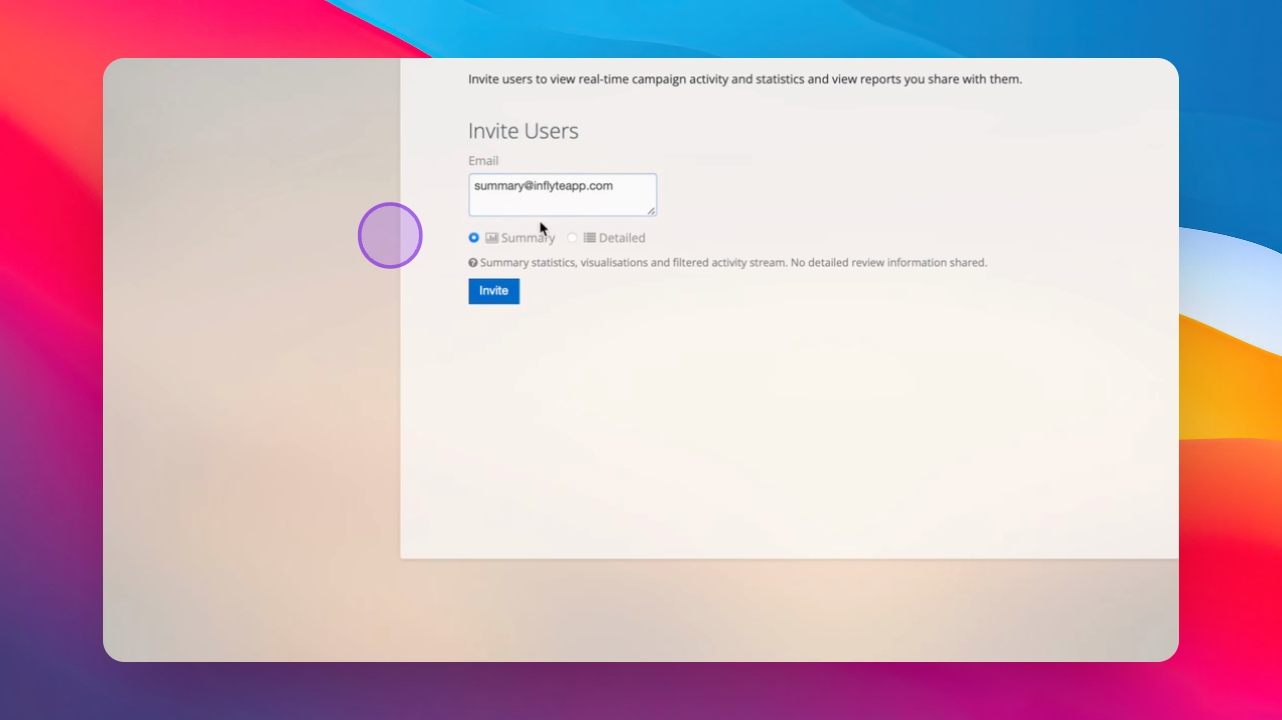
Step 3: Summary
Summary Statistics provides a brief overview of statistics without detailed feedback.
Step 4: Detailed
Detailed Stats includes all reviews, comments, statistics, and visualizations along with the activity stream.
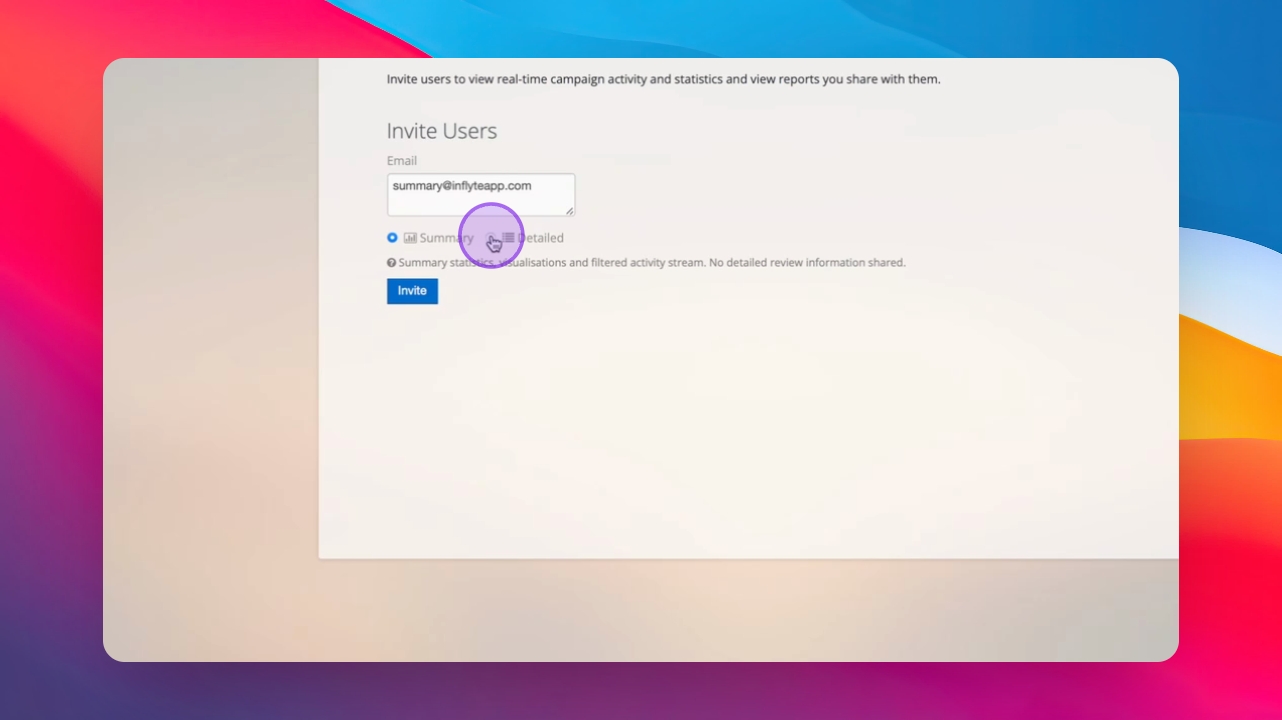
Step 5: Invite user
Click Invite to add the user to Share Stats. The user will receive an invite via email to view the feedback. It will also be shared to their Inflyte dashboard.
Step 6: Manage access
Users will appear in the section, and you can remove access at any time.
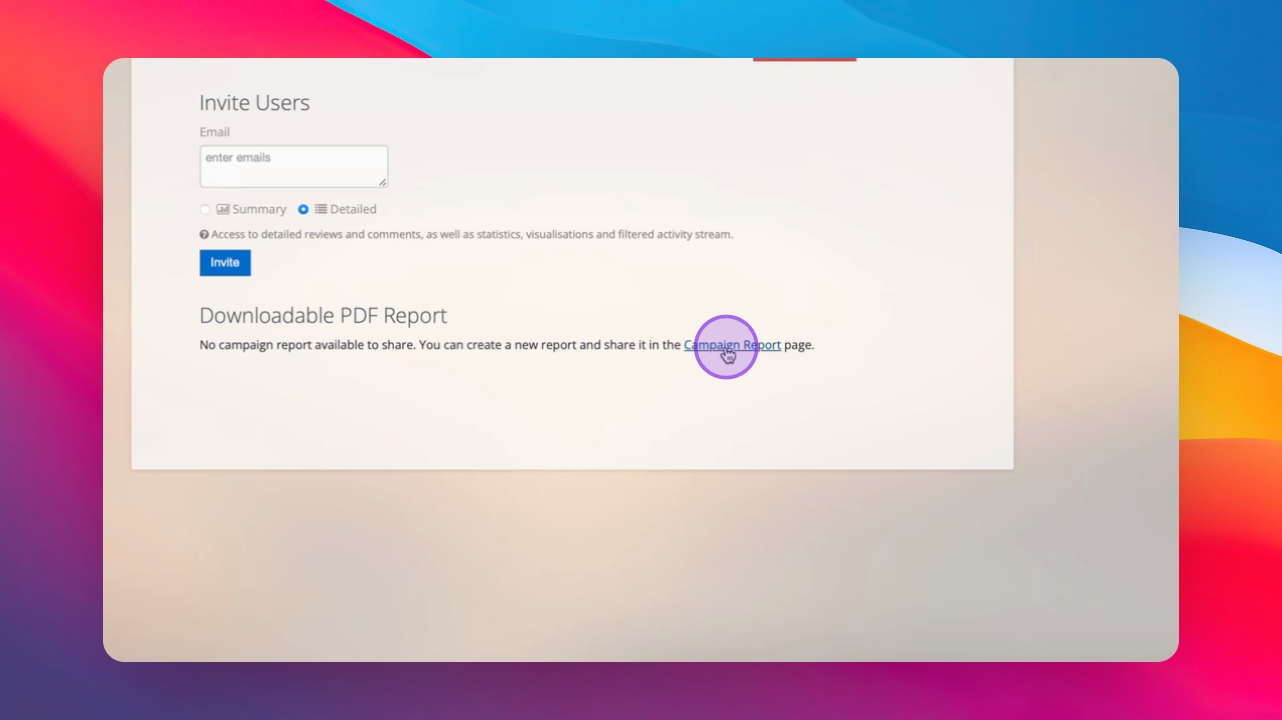
Step 7: Generate report
Access the report generation area to create a new Campaign Report.
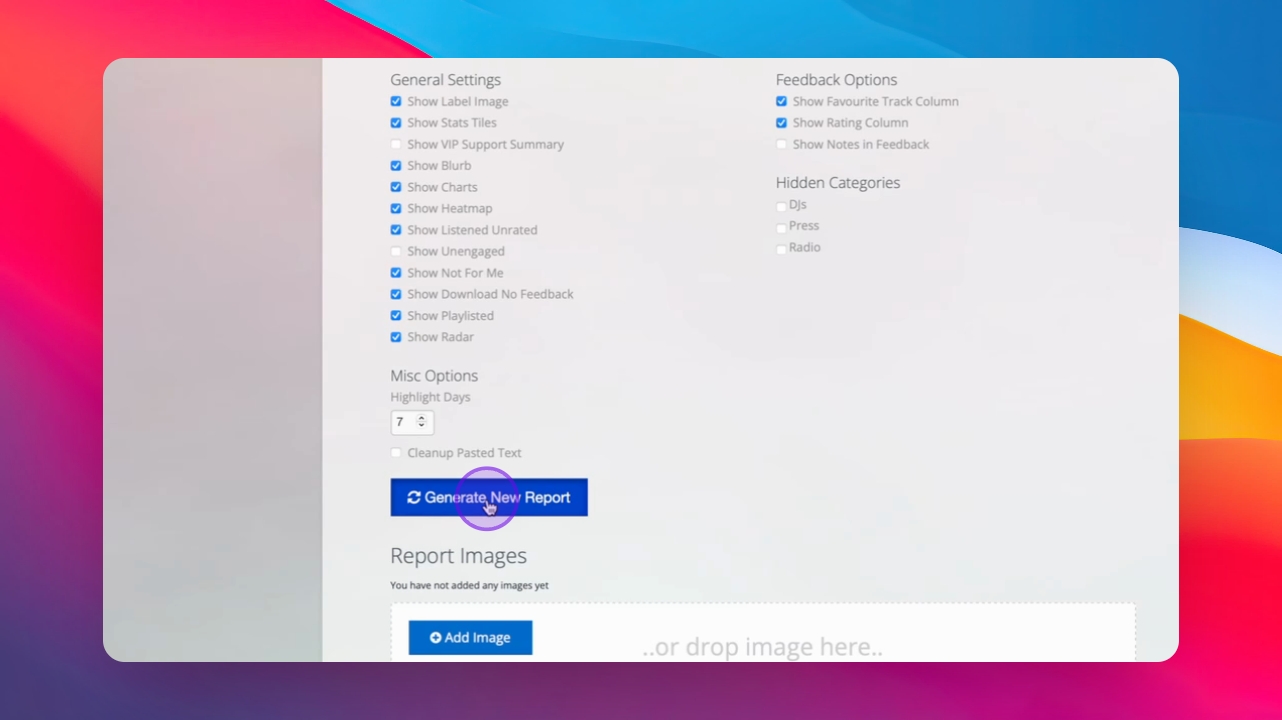
Step 8: Share report
Automatically share the generated report with users added to Share Stats. This will send them the full PDF downloadable report.