

Let's do it together!
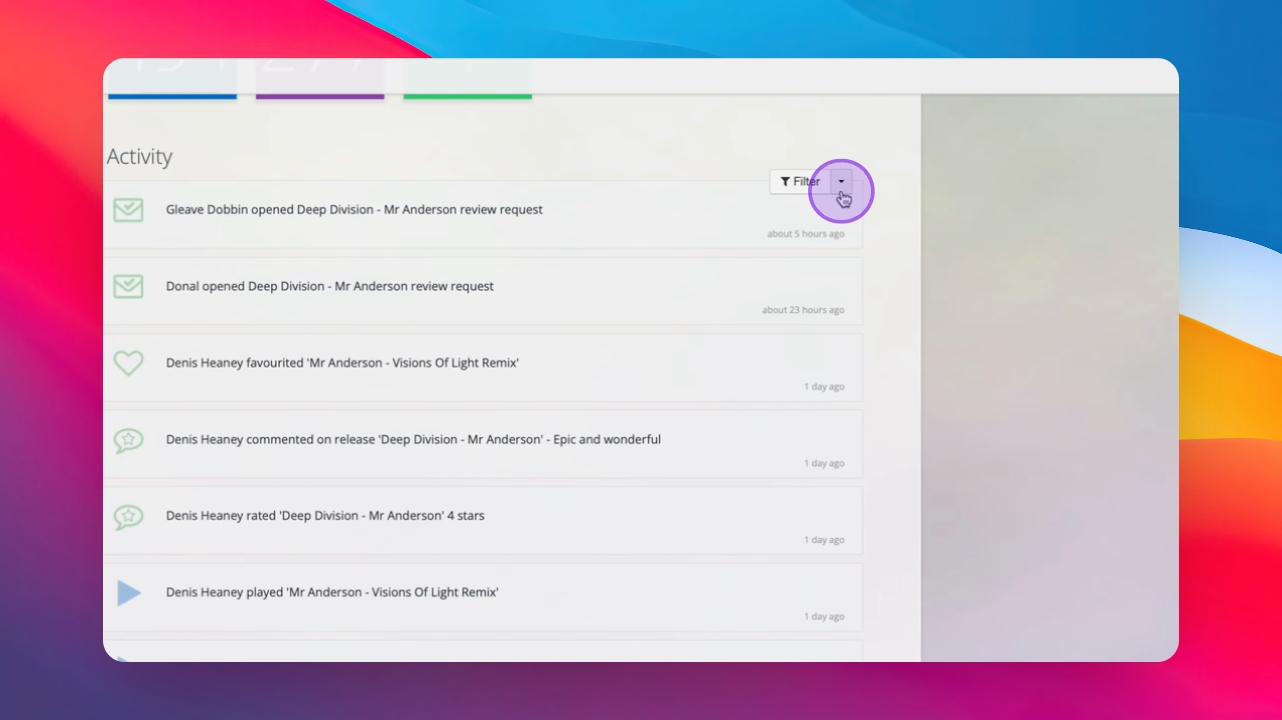
Step 1: View Activity Stream
Open your real-time activity stream to see immediate feedback, email opens, plays, downloads, and other activities.
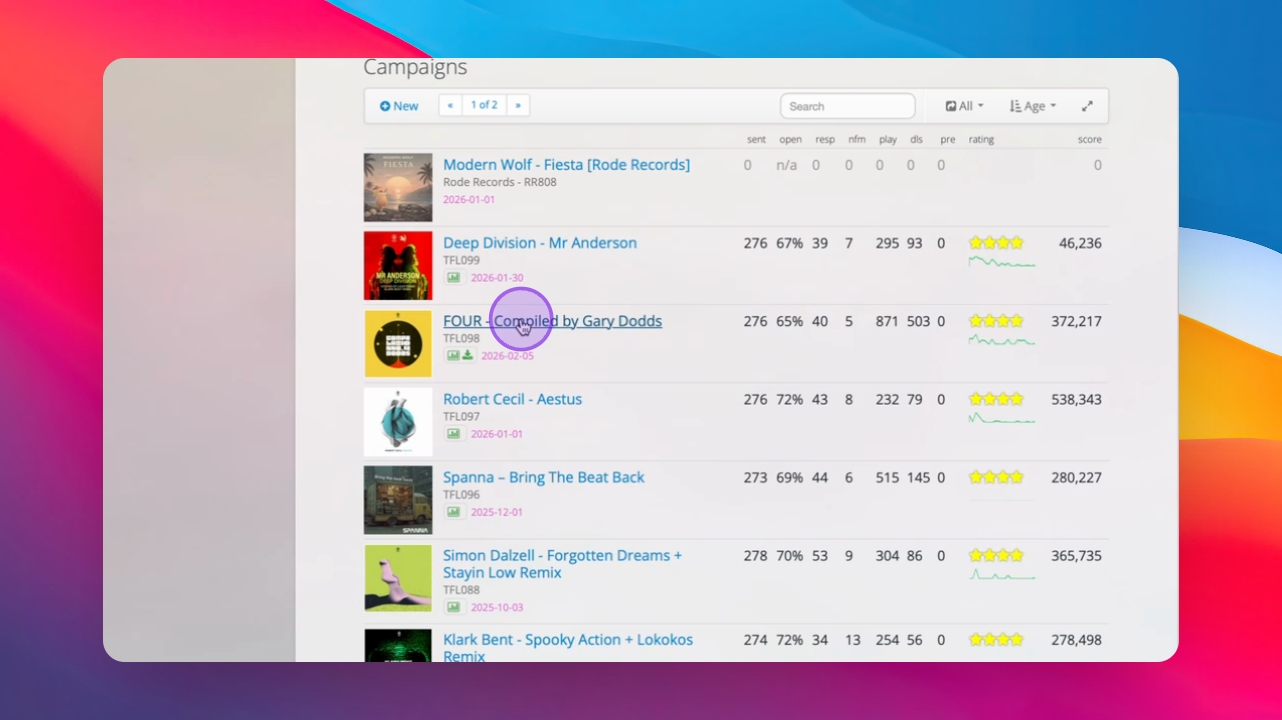
Step 2: Navigate to Campaign Page
Go to the campaign page to view detailed feedback metrics.
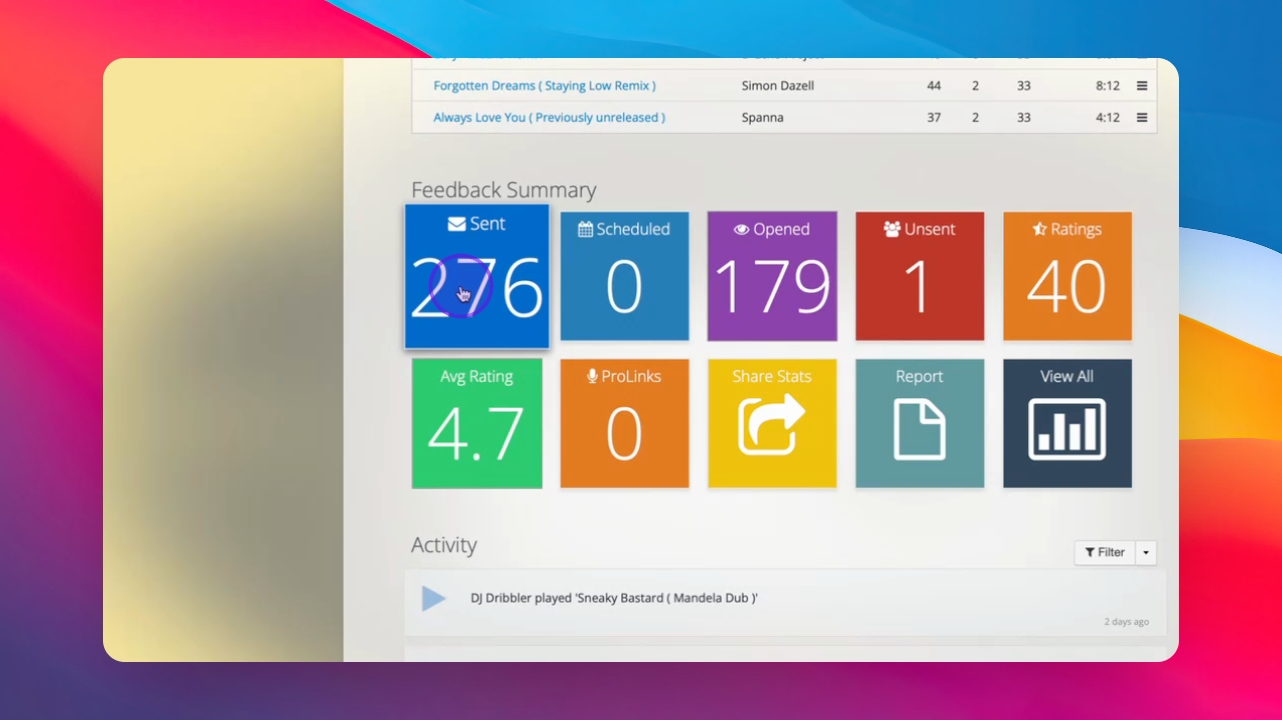
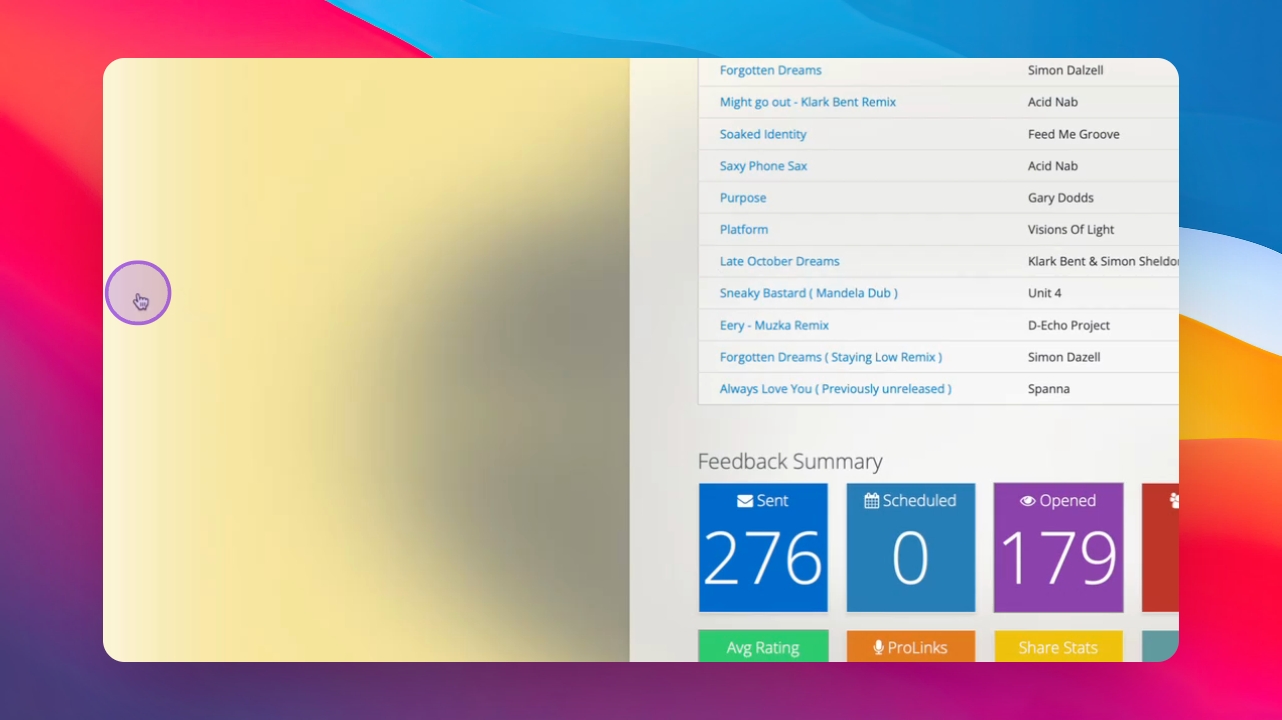
Step 3: Review Feedback Summary
Check the feedback summary which displays metrics such as plays, favorites, and downloads for each track.
Step 4: Analyze Respondees
View the list of recipients, including those who have not responded and those who have provided feedback.
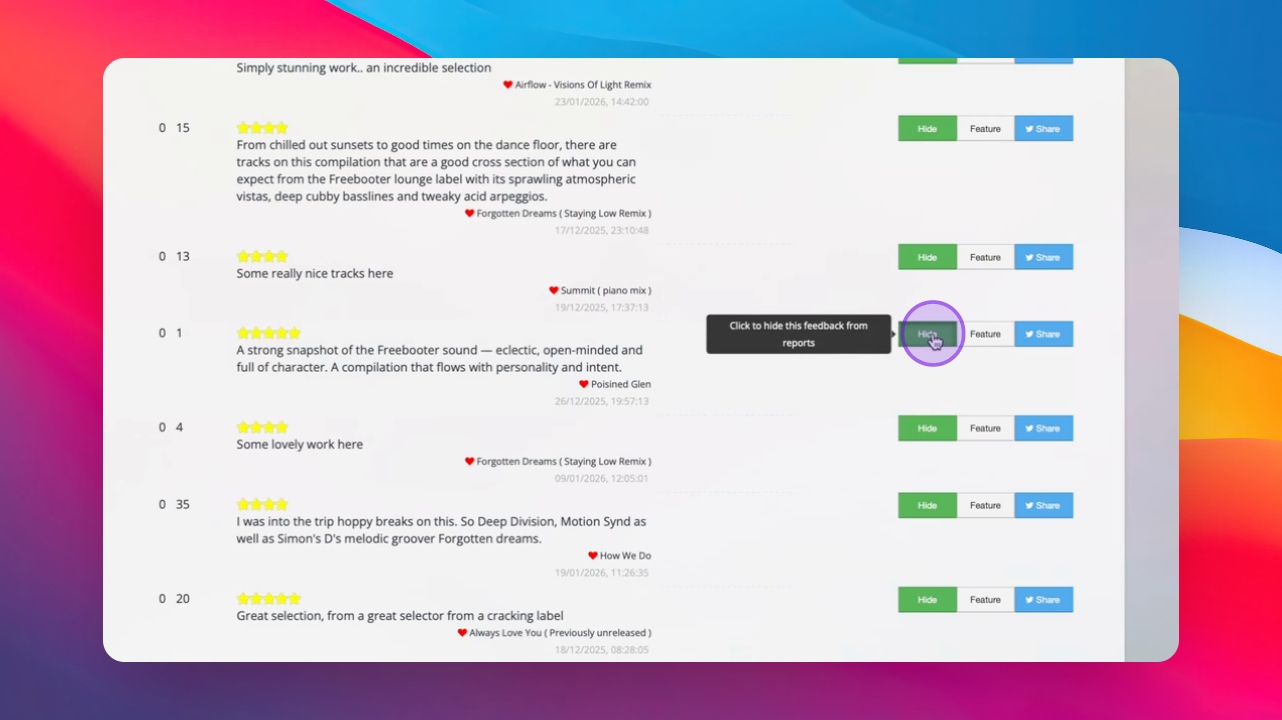
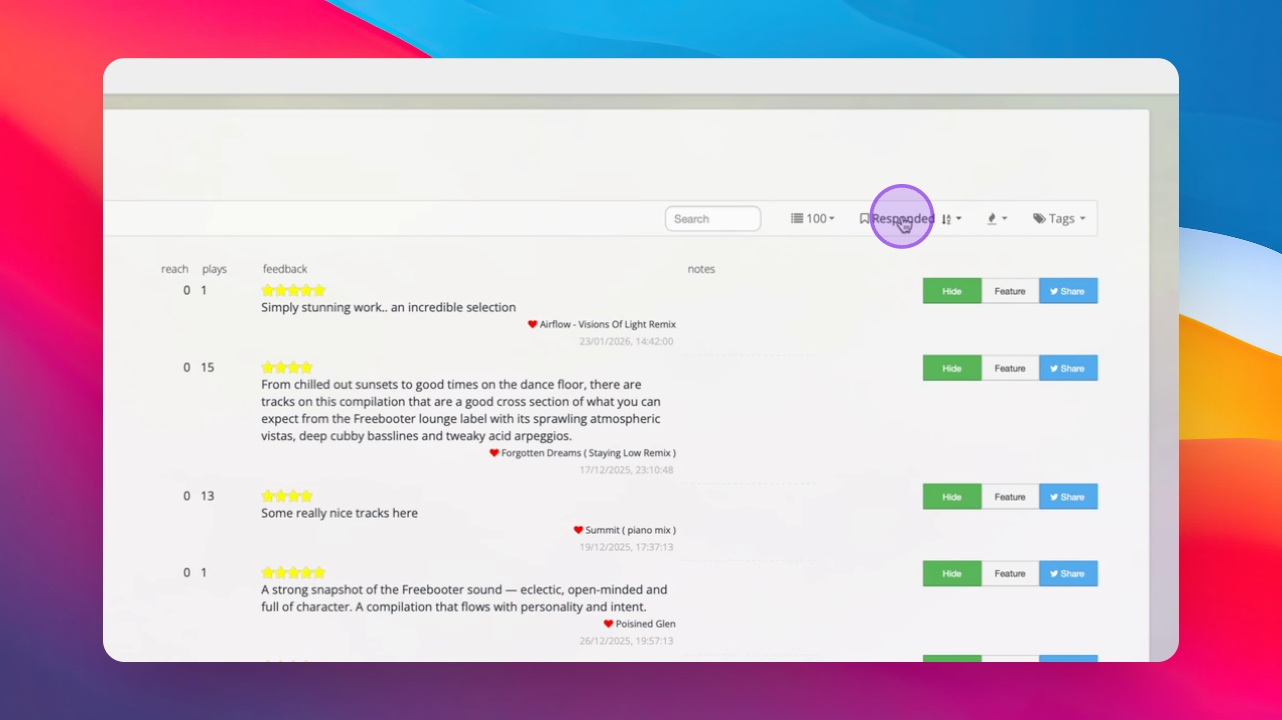
Step 5: Manage Feedback
Hide negative feedback or feature positive feedback on the report using the available buttons.
Step 6: Organize Feedback
Sort feedback responses chronologically or alphabetically and apply tags from your contact database if available.
Step 7: Explore Reporting Videos
Check out additional videos on reporting for further insights and details.
Troubleshooting
No feedback showing.
Ensure your campaign was sent successfully and check the activity stream.
Incorrect metrics displayed.
Refresh the campaign page to update the displayed metrics.
FAQ
How can I hide negative feedback?
Click the hide feedback button next to the negative comment.
Can I sort feedback responses?
Yes, you can sort them chronologically or alphabetically.
What if I don't see any activity?
Check if your campaign was sent and verify connectivity.