

Let's do it together!
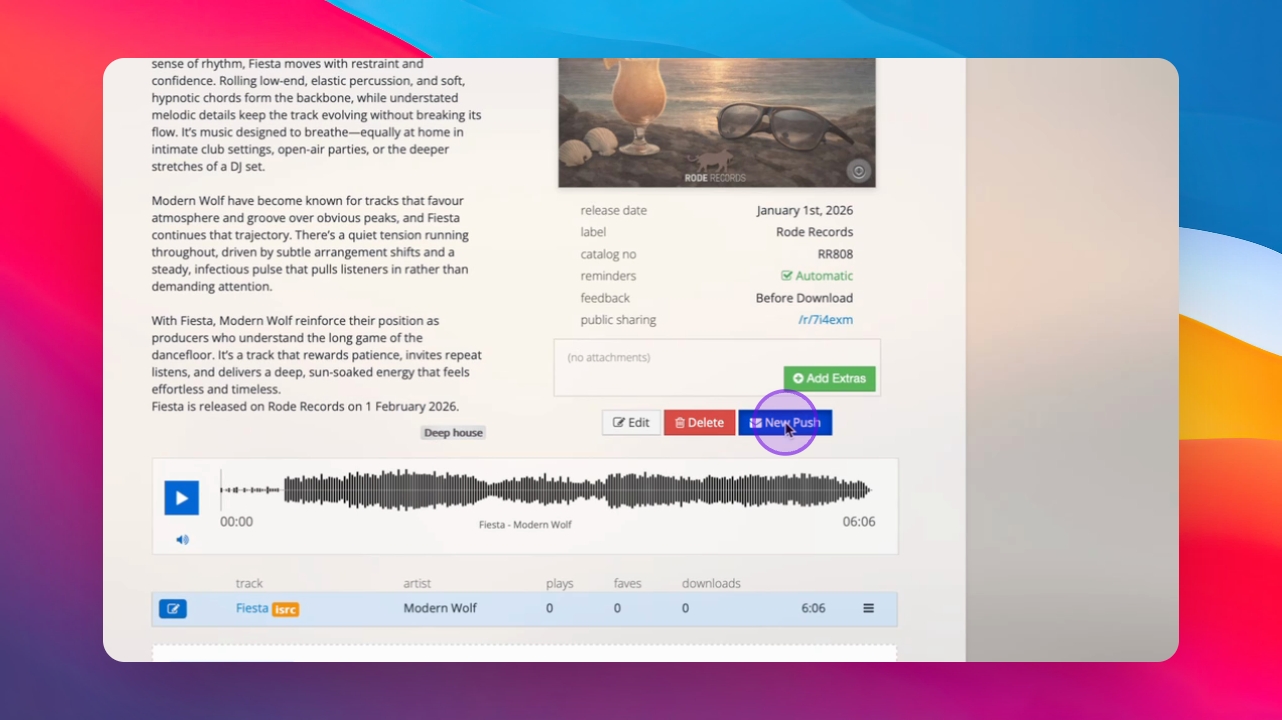
Step 1: Lock the campaign
Click New Push to lock the campaign to begin the sending process.
Step 2: Select recipients
Choose recipients from your opted-in database for the promo. You can select them individually or choose everyone on the current or all pages.
Step 3: Review and send
Scroll to the bottom and click Review and Send to proceed with sending your campaign.
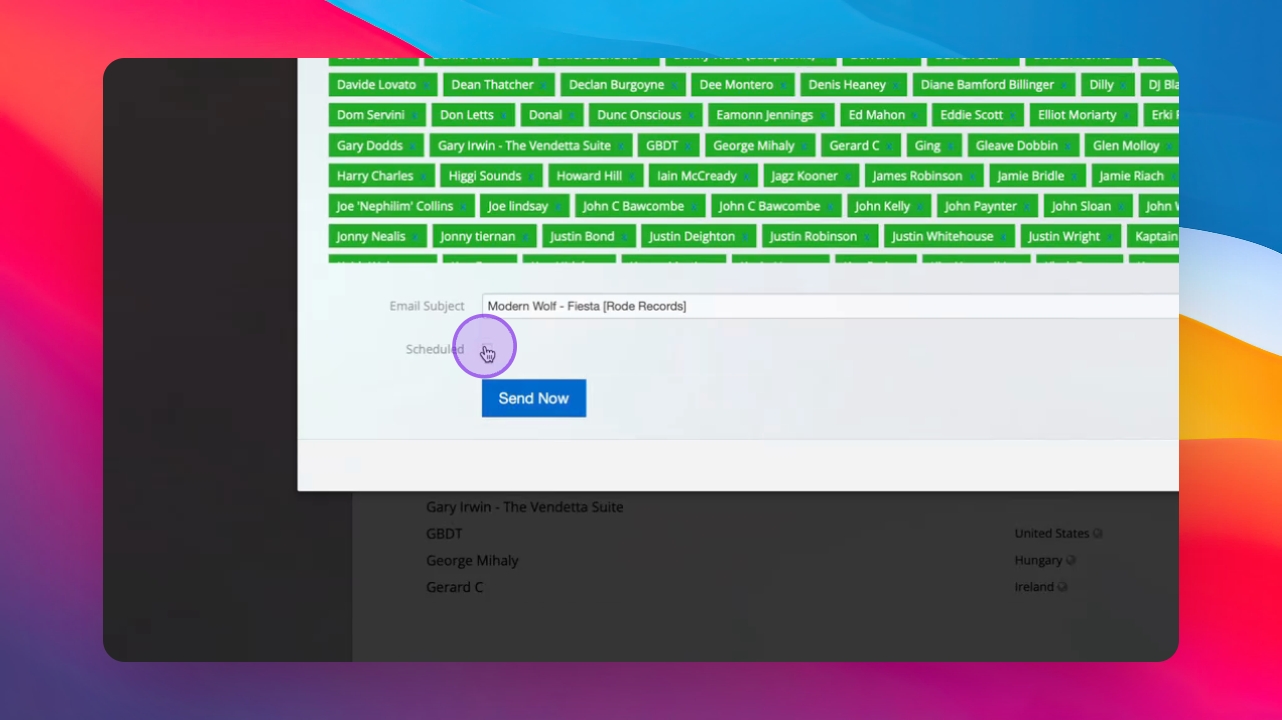
Step 4: Choose sending option
Select to send now or schedule for a future time, then click Schedule or Send Now.
Step 5: Sending process
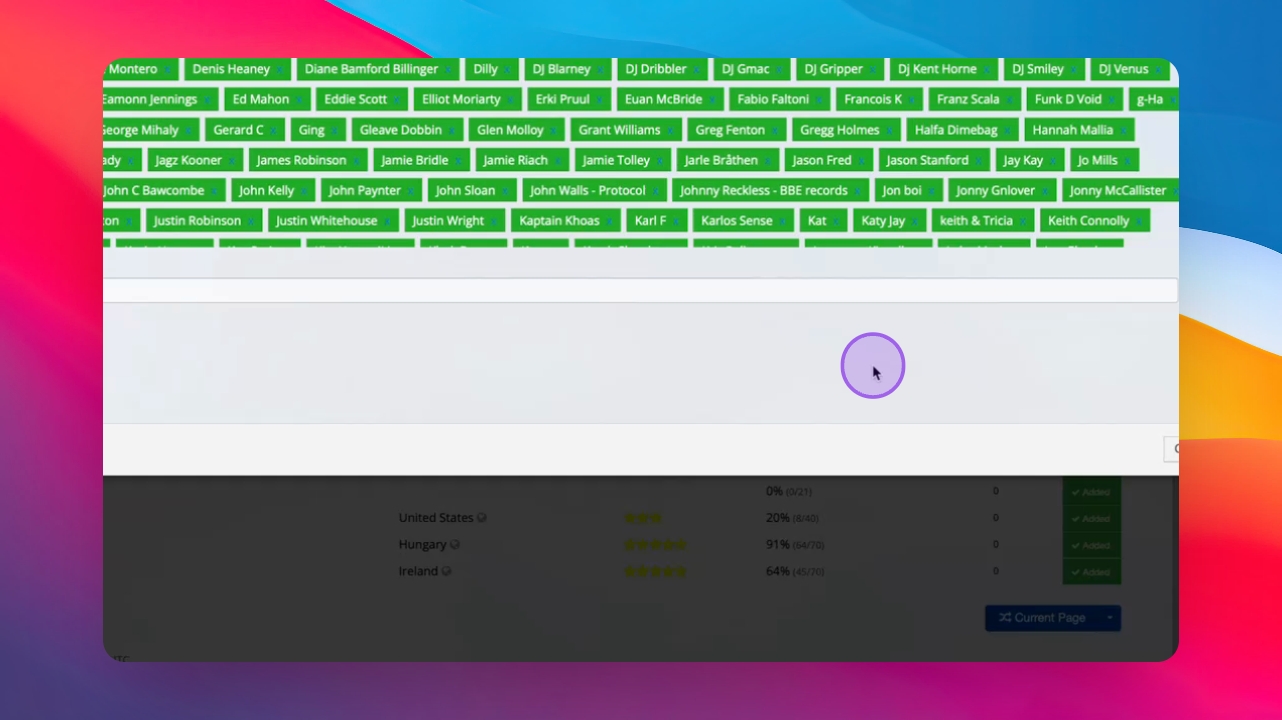
Inflyte will prepare your campaign for sending to email, web dashboard, and mobile apps. That's it.
Troubleshooting
ISRC code warning
Some files may not have an ISRC code, which is acceptable for proceeding.