Let's do it together!
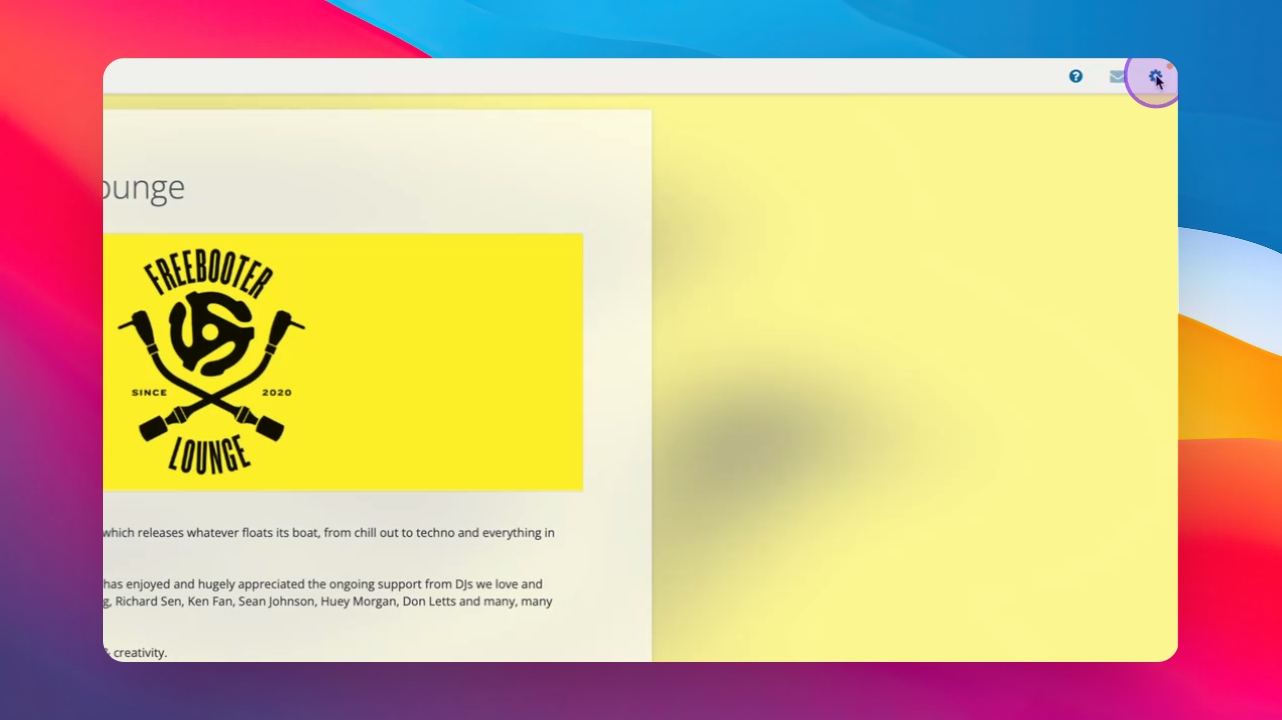
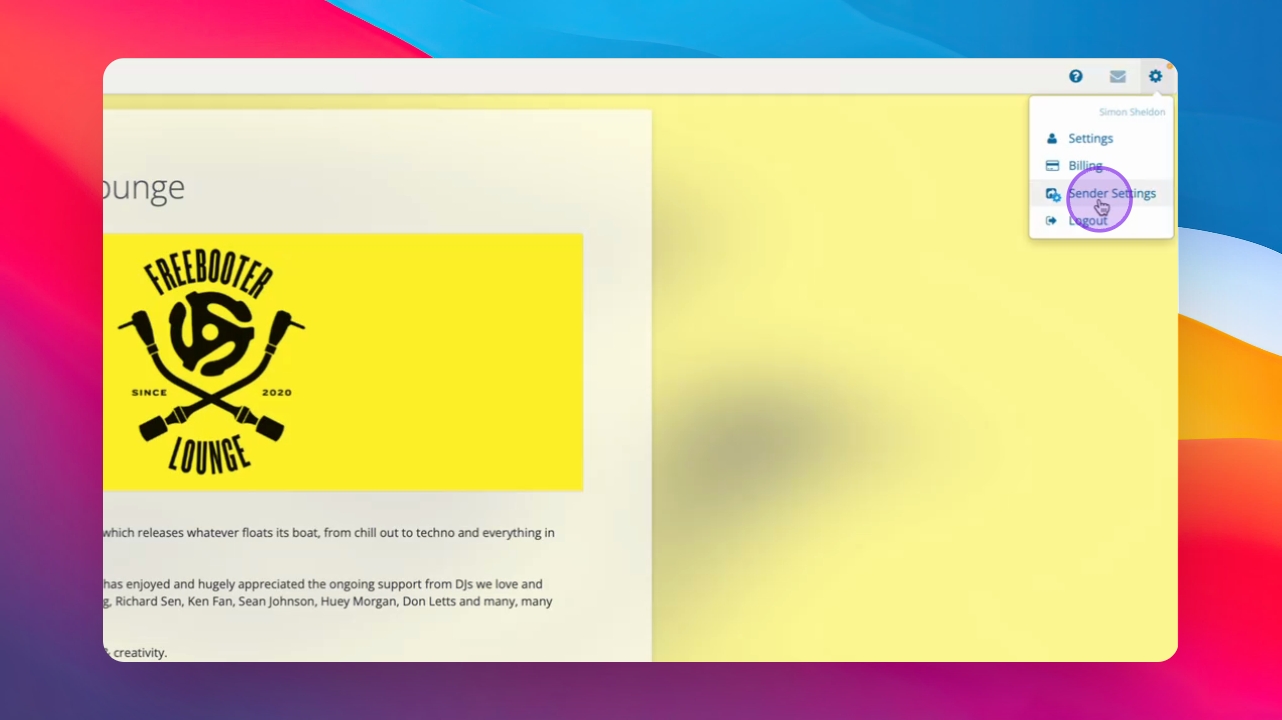
Step 1: Access Sender Settings
Navigate to the Sender Settings menu to begin finalizing your account setup.
Step 2: Input Branding
Enter your name and branding details that recipients will see when they receive your promos.
Step 3: Update Artwork
Update your artwork in the designated area within the Sender Settings.
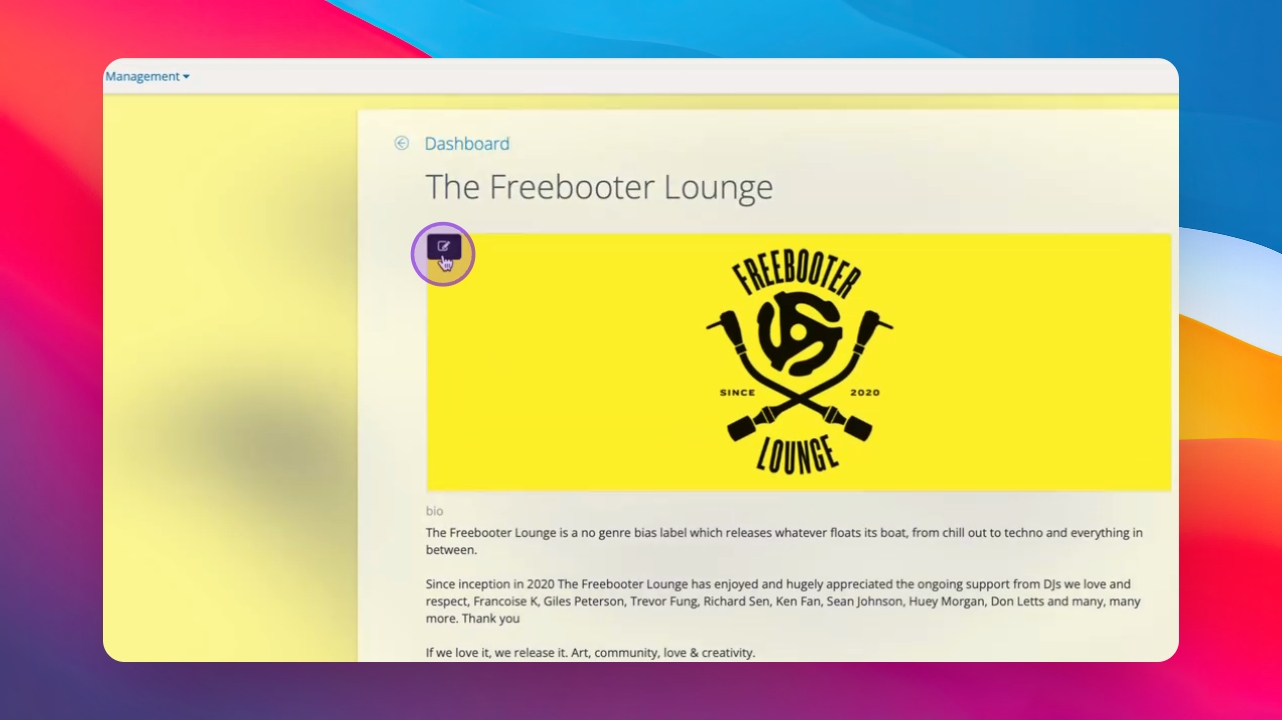
Step 4: Edit Information
Edit additional information about your label, including key artists and supporting DJs.
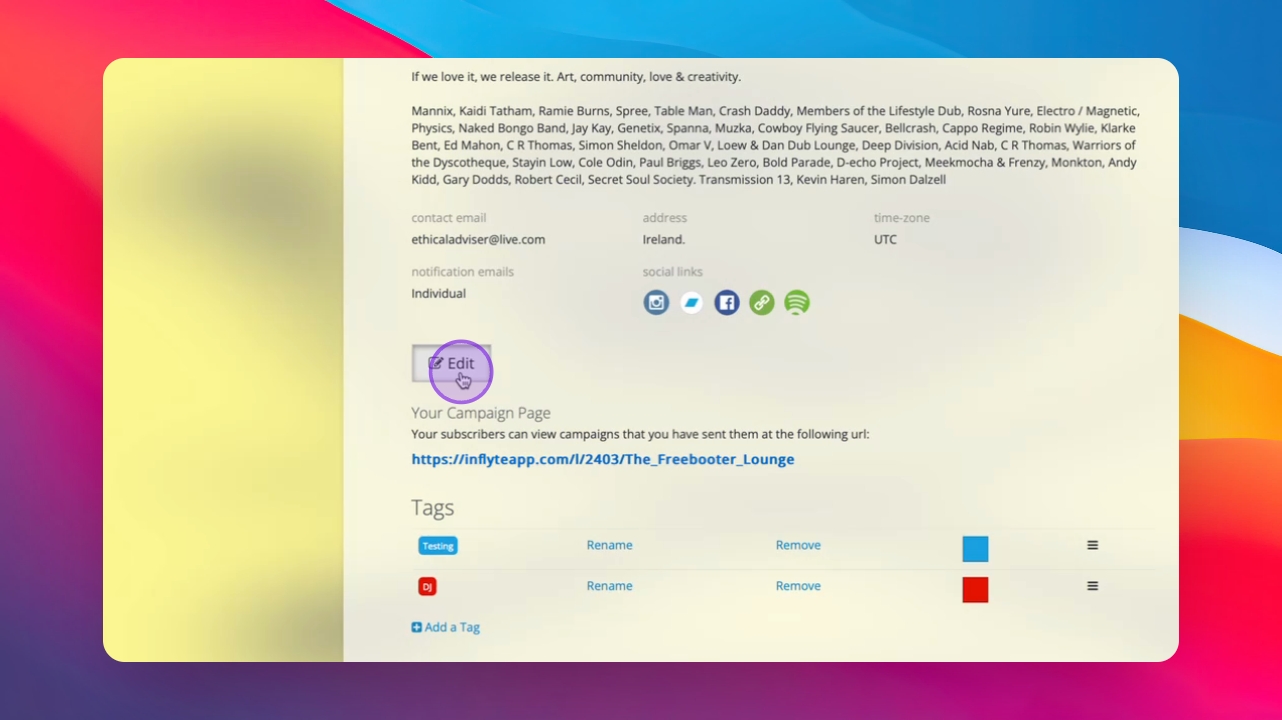
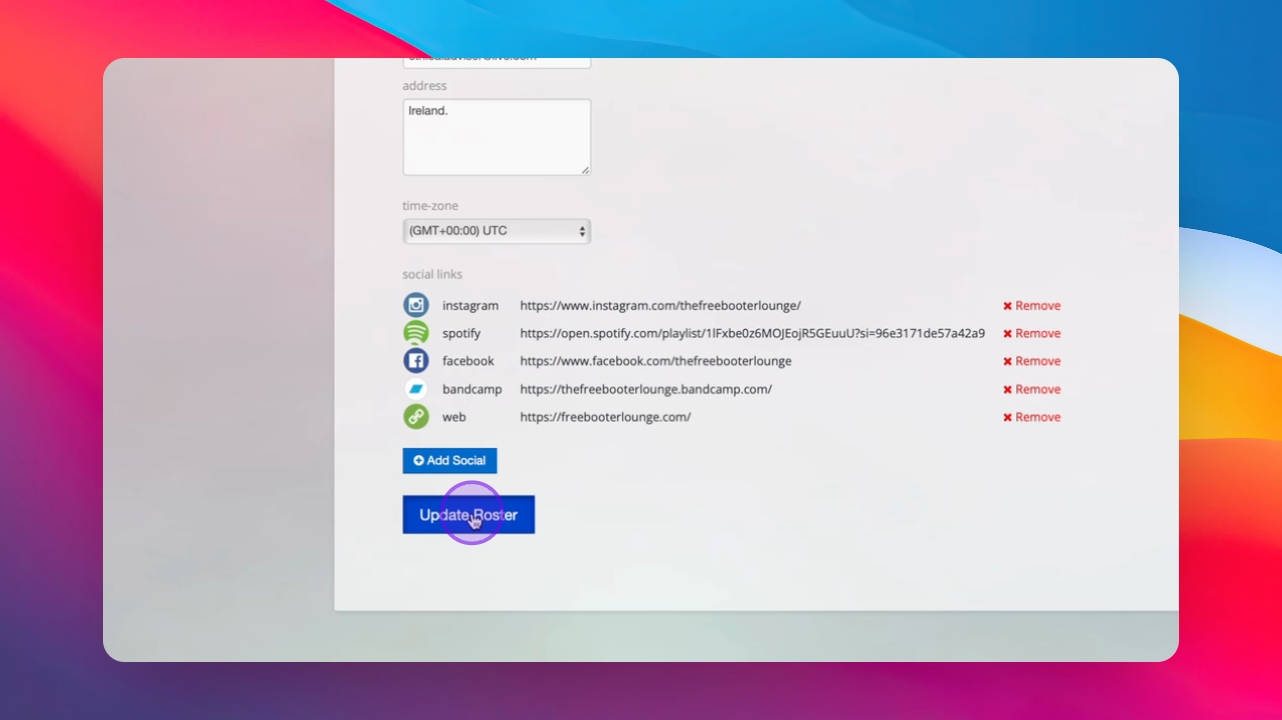
Step 5: Add Social Links
Add your social media links, such as Instagram, Spotify, and Bandcamp, in the provided space.
Step 6: Save Profile
Once your profile is saved, you will be directed to the dashboard to manage contacts, campaigns, and reports.