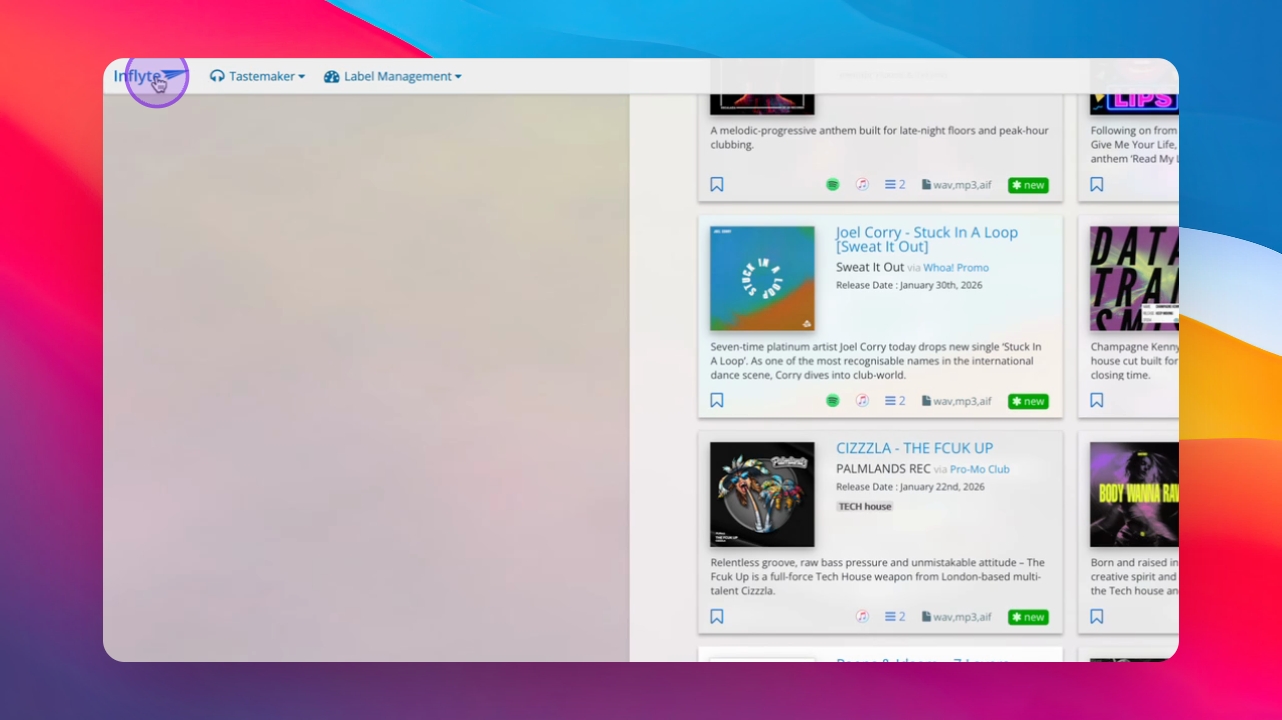
Step 1: Send a Promo
Send your promo through Inflyte to opt-in recipients via email, Inflyte Promo Manager, and mobile.
Step 2: Access Audio
Recipients can access audio through Inflyte's Player download system for preview, rating, and downloading.
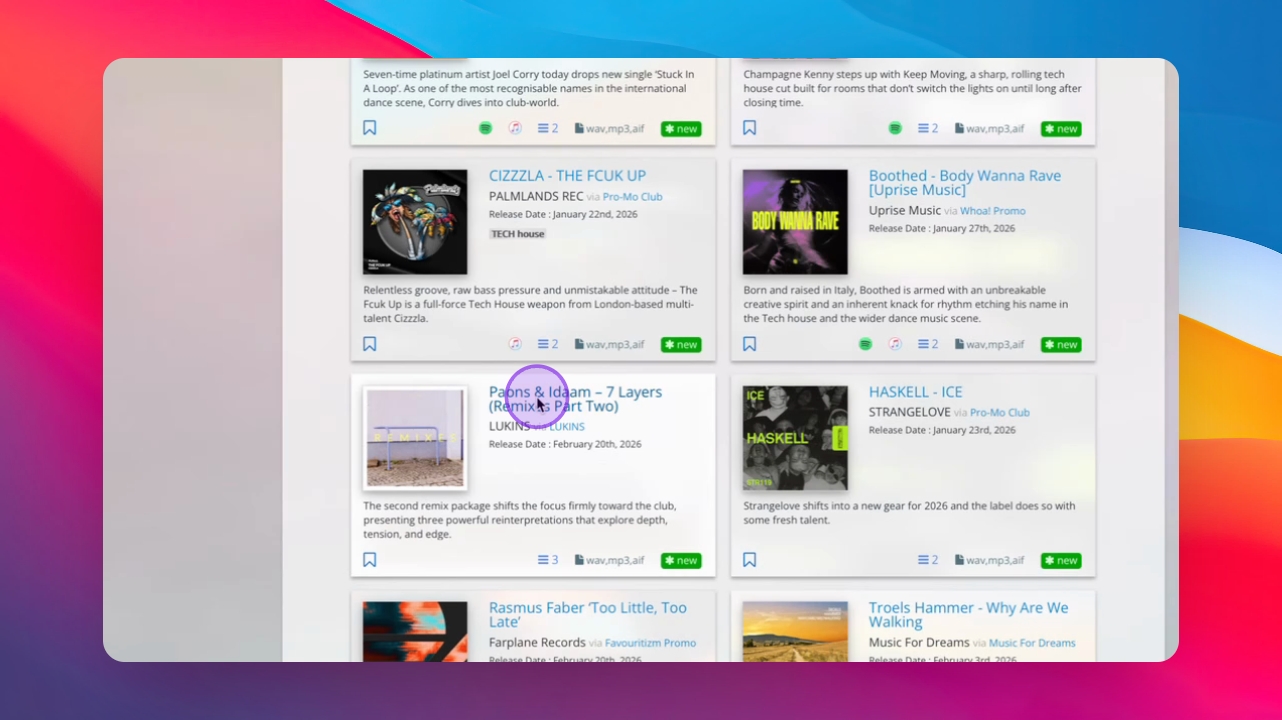
Step 3: Scroll Through Promos
Recipients can quickly scroll through available promos on the dashboard.
Step 4: Ensure Delivery
IInflyte uses a trusted delivery infrastructure to ensure promos reach recipients instead of spam.
Step 5: Monitor Activity
View who opened, listened to, or downloaded your promo in the Real Time Activity stream on your dashboard.