If you use a lot of Tags in your database, we recommend grouping them using colour coding to help you quickly identify the tags you need to locate from your database.
An example of this might be:
1. Genre Tags - Red
2. Radio Tags - Blue
3. Media Type - Green
4. Countries - Orange
To open the Tag colour picker, click on the coloured square in the Tag section under you Sender Settings page.
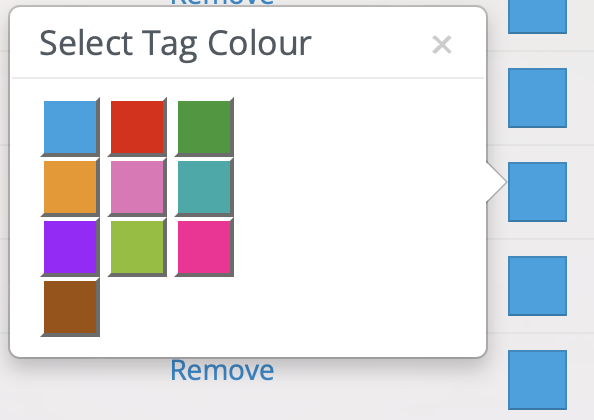
You have complete control over how to code, re-arrange, rename and remove tags depending on how you wish to optimise your database.
By Default, all Tags are automatically organised and displayed in Alphabetical order, but you can override this by changing the order manually in the Sender Settings menu.
Click and Drag these three lines to re-arrange the order of your tags.