

If you add a new label to your Inflyte account and you need to move your existing contacts into the new label, follow these steps:
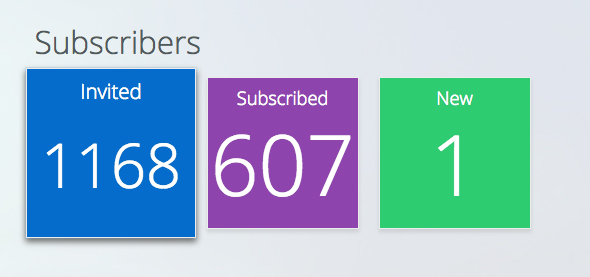
Go to the label you want to export from and click Invited:
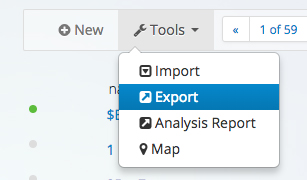
Then click Tools> Export to export your CSV file.
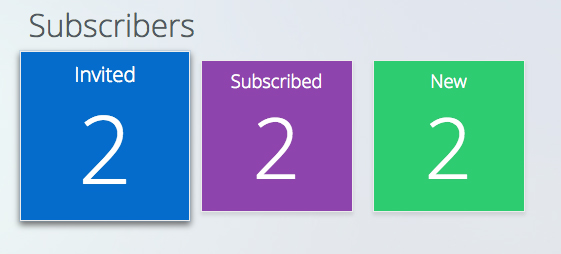
Then navigate to the label you wish to move contacts to and click invited:
Then click Tools > Import and navigate to the CSV file you downloaded:
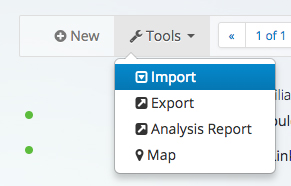
Your contacts will then be uploaded and you just need to click the Import button to finish the process.
Note - this not not send out additional invites.