
Name:
This is for your campaign name. It should only include Artist - Title (Label) of your campaign.
Email Subject:
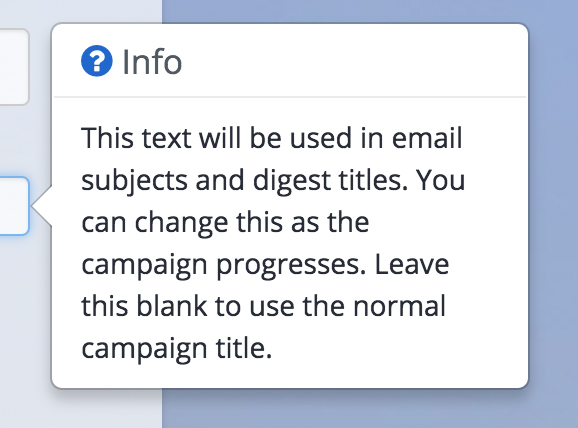
This text will be used the subject field of your promo. You do not need to enter your label name as Inflyte automatically inserts "Your Label Promo:" into the subject field. You can change the infomation as your campaign progresses.
Label:
Insert the record label name of the promo.
Catalogue Number:
The catalogue number of your promo campaign.
Release Date:
When your promo will be available at retail to purchase/stream.
TBC = release date is to be confirmed.
Blurb:
This is where you add your long-form press release information.
Summary:
Write a short summary of your press release. This information is displayed on the mobile apps and weekly Inflyte digest.
Private Notes:
These are notes viewable only by the Inflyte account admin.
Tip: You can view user info tips by click sections or hovering your mouse over sections. Keep an eye out for them on the site.