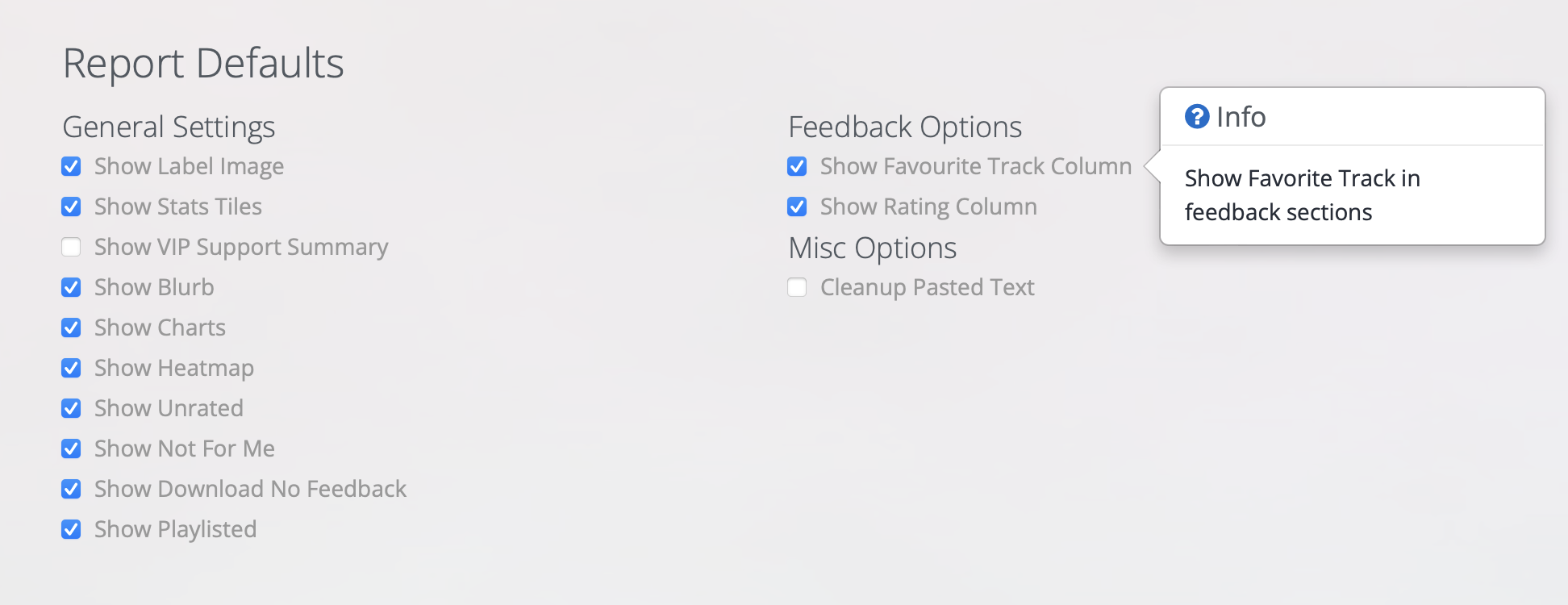
You can customise your Inflyte Report Defaults via the Sender Settings page.
Choose which General Settings and Feedback Options you wish to display or hide.
Hover your mouse over any setting to find out more.
Settings will automatically apply to all reports generated on your account.
If you wish to change an individual campaign report, this can still be modified on the campaign report itself.