
Once you have uploaded your campaign audio and artwork and have contacts subscribed, you will be ready to send your promo.
1. Click New Push

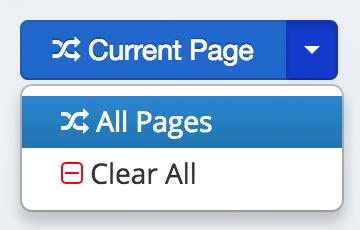
2. Choose individual contacts by clicking Add, or choose all contacts on the Current Page or contact on All Pages.
3. Scroll to the bottom left of your browser and click Review & Send:

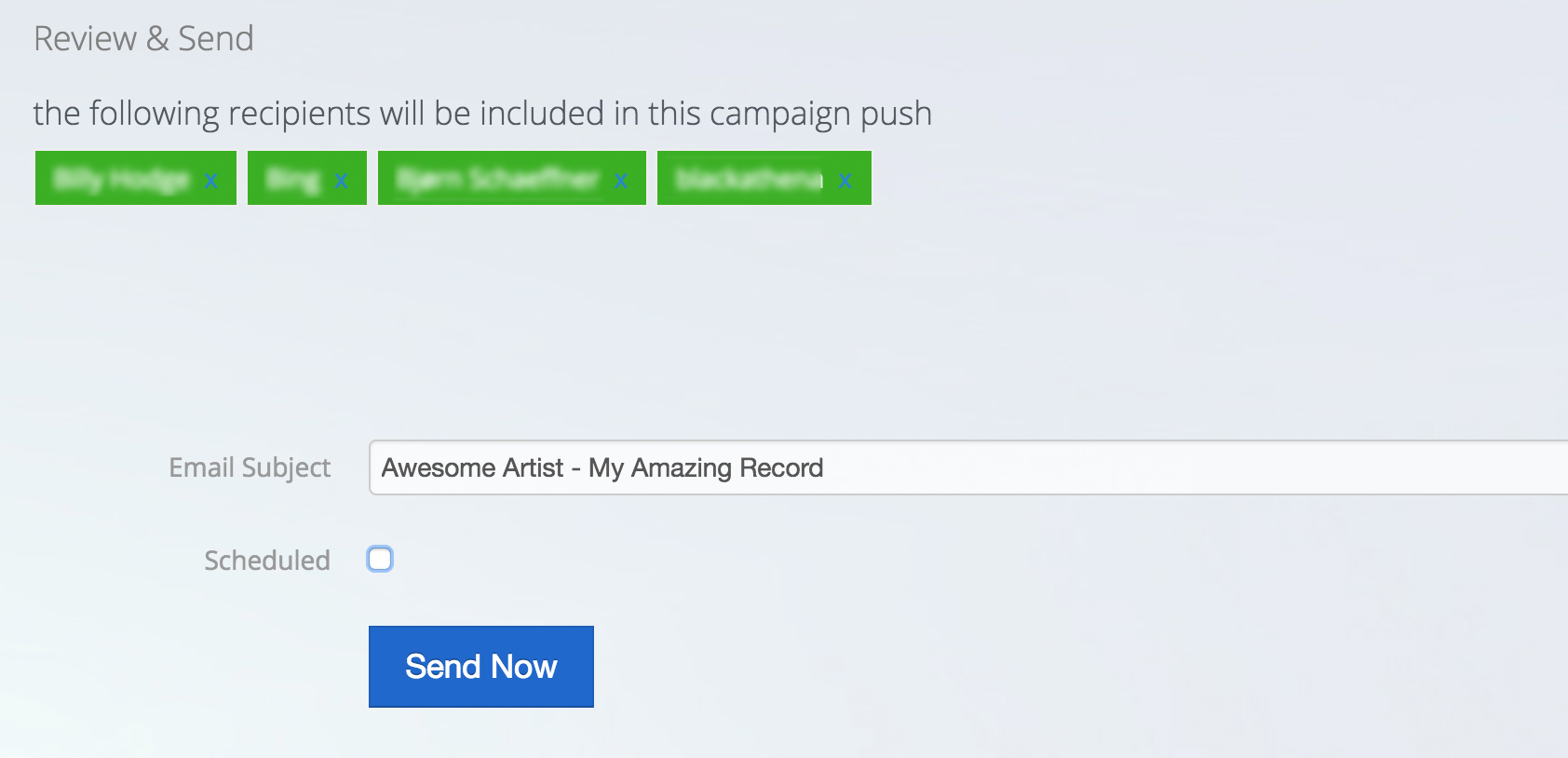
4. From this screen, you can remove contacts from your send. You can also edit the email subject.
When you click Send Now your campaign will be prepared for sending.