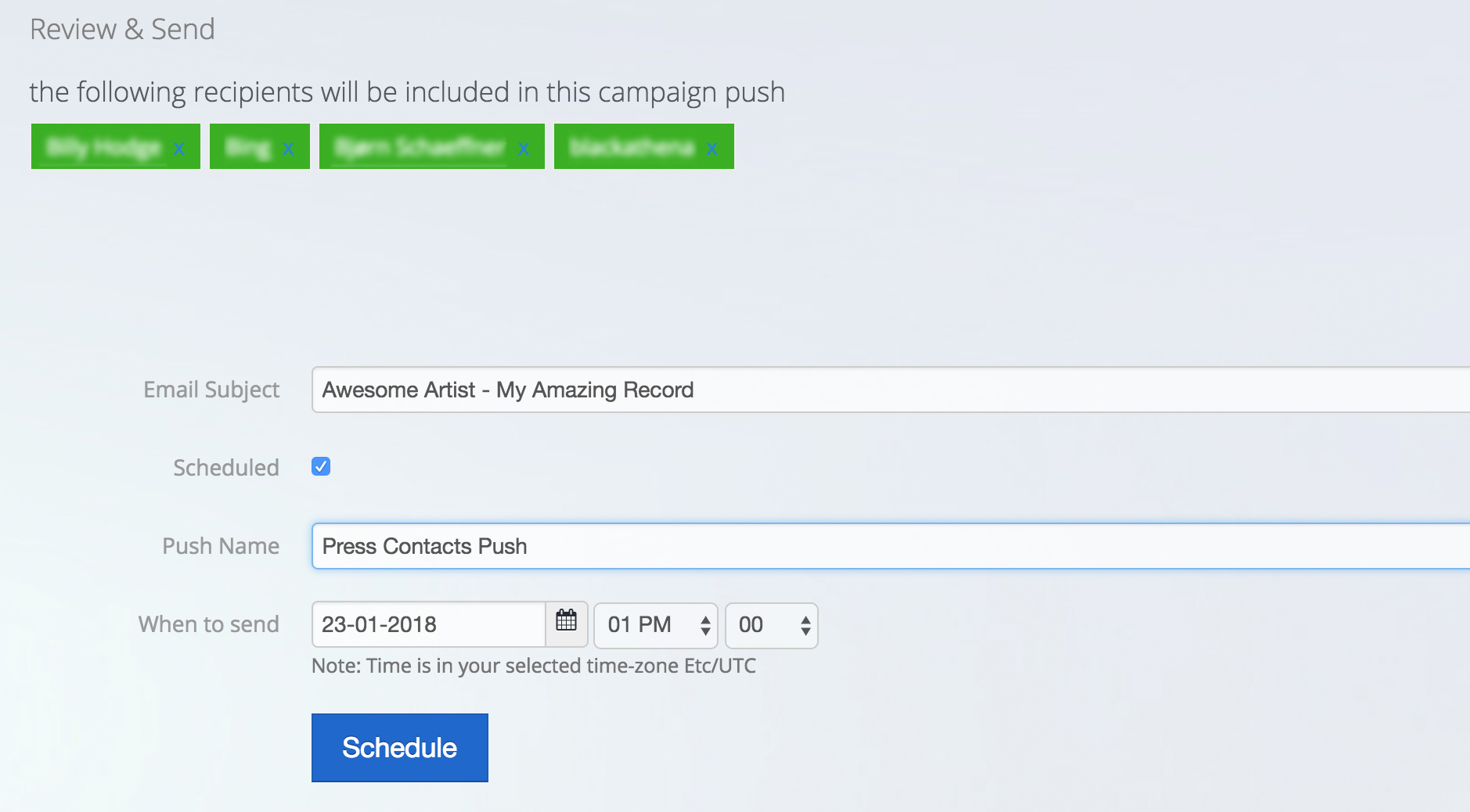
Your promo can be scheduled into any number of stages at a time and date of your choosing.
Simply select the scheduled option and select the date and time you want your promo delivered. If the timezone needs updated, go to your Promo Settings menu to change this.
You can give each push it's own name for internal reference eg Press push, Radio push.
Each scheduled push you create can also have a different email subject.