

How Can We Help you Today?

Ask Inflyte A Question....

How do I connect my preferred streaming service to Inflyte?

Understanding Presaves - Tastemakers

How do I connect my preferred streaming service to Inflyte?

Last updated on 29 Mar, 2021

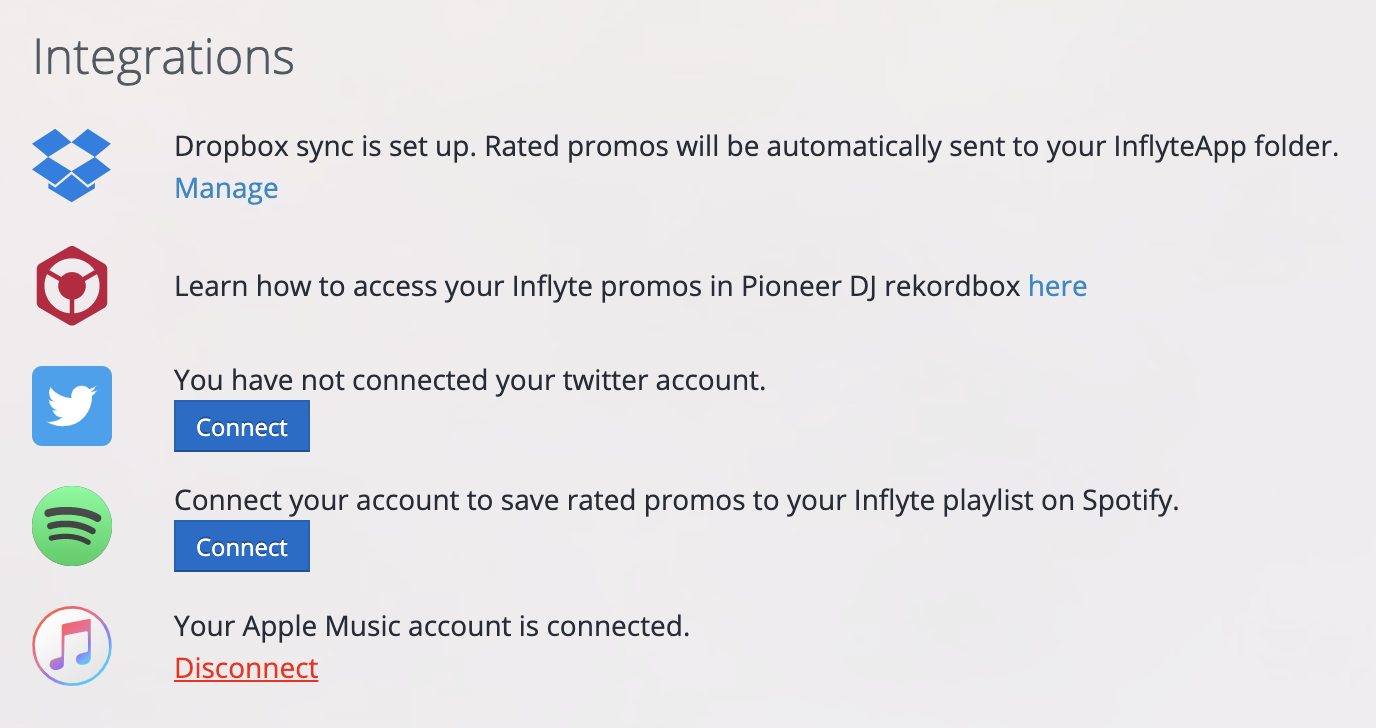
  1. Login to Inflyte and go to the Integrations Section on your Inflyte settings page. 

  2. Choose the streaming partner (Spotify or Apple Music) that you wish to connect your account to and click on ‘Connect’. 

  3. Follow the simple steps to authenticate your account. 

  4. You can connect both Spotify and Apple Music if you want to keep both services in sync with your rated Inflyte promos.
 

Image
Did you find this article helpful?
Previous

Where will I find tastemaker pre-saves on my streaming service?

Next