

How To Bulk Import Contacts
Go to your Inflyte dashboard and click on your label banner:

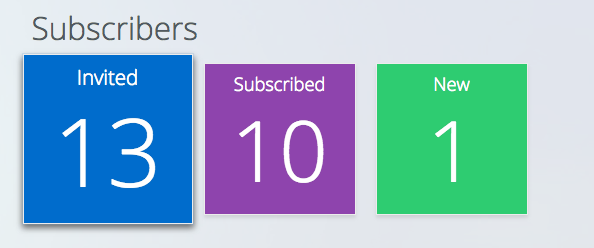
Click Invited:
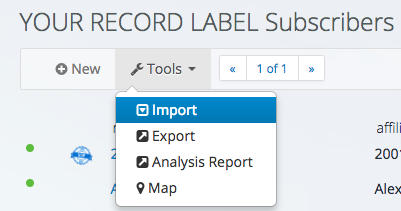
Click on Tools > Import
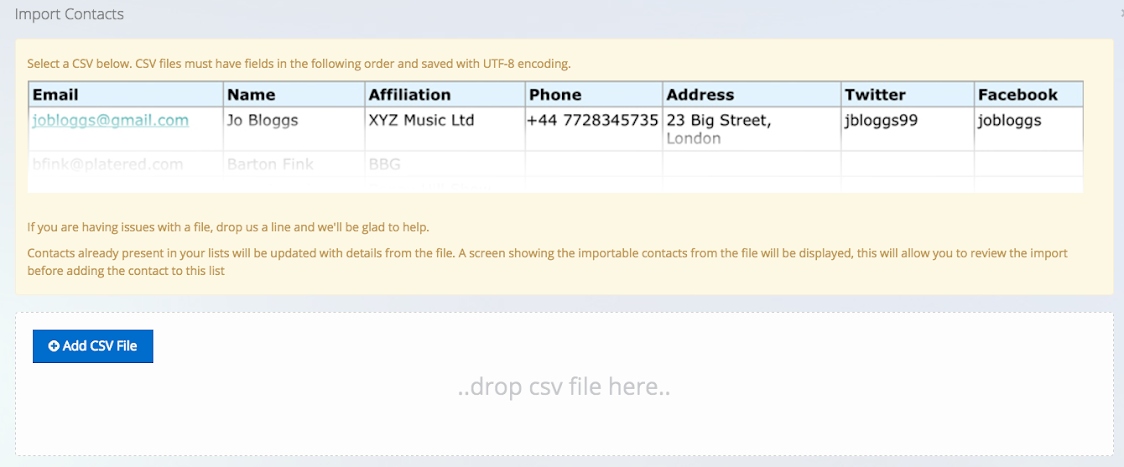
Follow the guidance on the uploader window:
When contacts are uploaded, scroll to the bottom of the page to import and issue invites:

If you run into difficulties, please contact support for assistance.