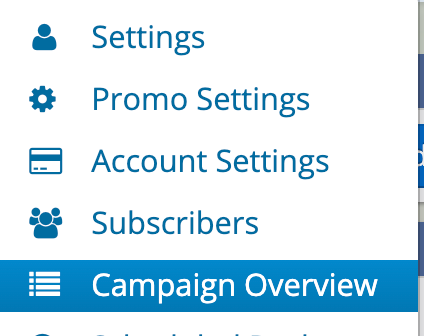
The Campaign Overview screen allows you to see a complete overview of your accounts's campaign performance including open rates, response rates, ratings and more. This data can be exported as a spreadsheet file by clicking Tools > Export. The screen is accessible from your menu options, top right of your browser.